February 6, 2026
Canva Translate vs. ChatGPT Translate: Is there a better way to handle large PDFs?
Imagine you are a marketing manager in 2026. You have a 50-page pitch deck in English that needs to be on a potential investor's desk in Tokyo by morning.
You have two common choices.
You can use Canva, keeping your beautiful design intact but risking a "literal" translation that misses the cultural nuance of your brand voice.
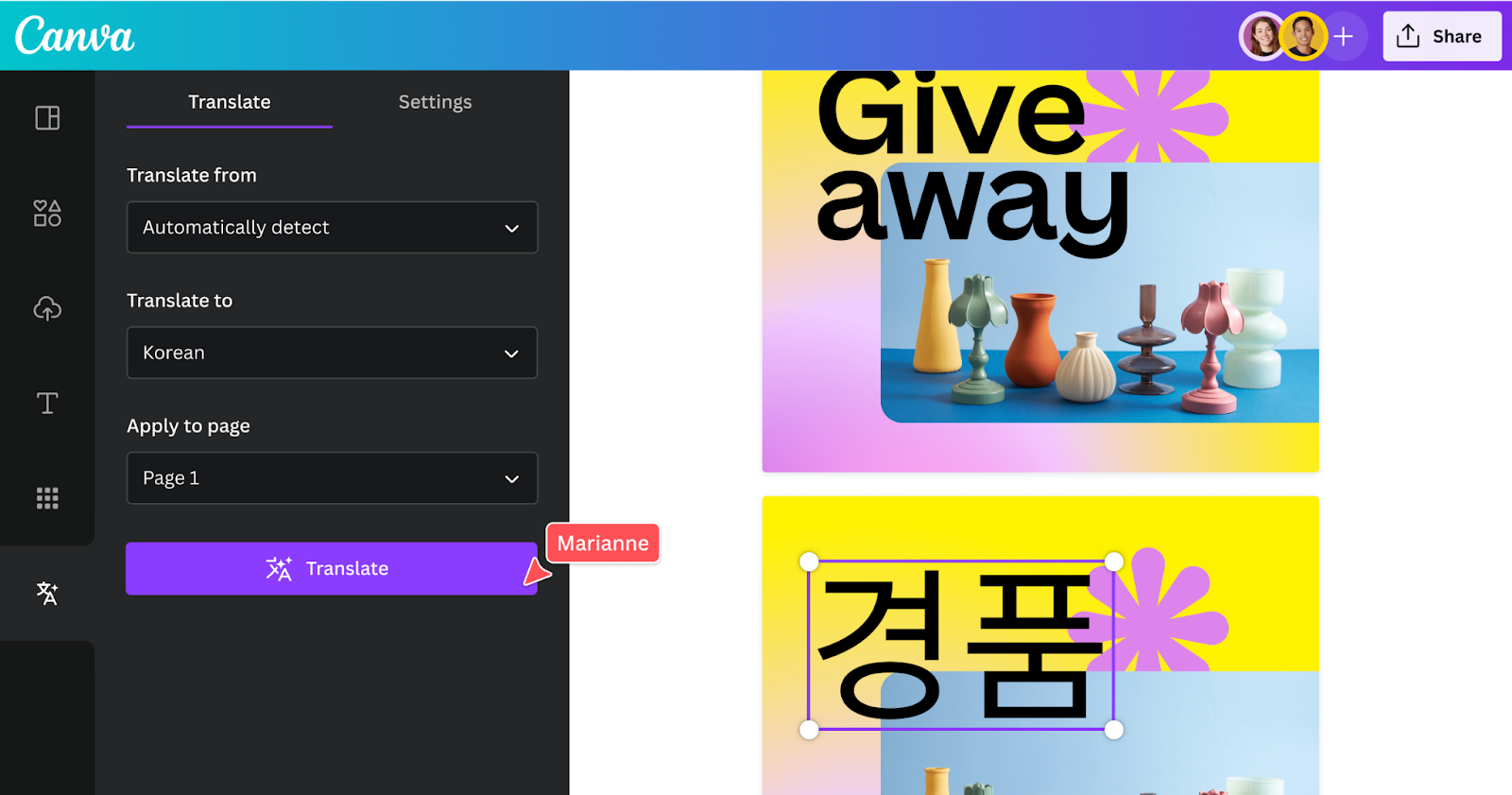
Or, you can paste the text into ChatGPT, getting a culturally accurate translation but spending the next six hours manually copy-pasting text back into text boxes, likely ruining your formatting in the process.
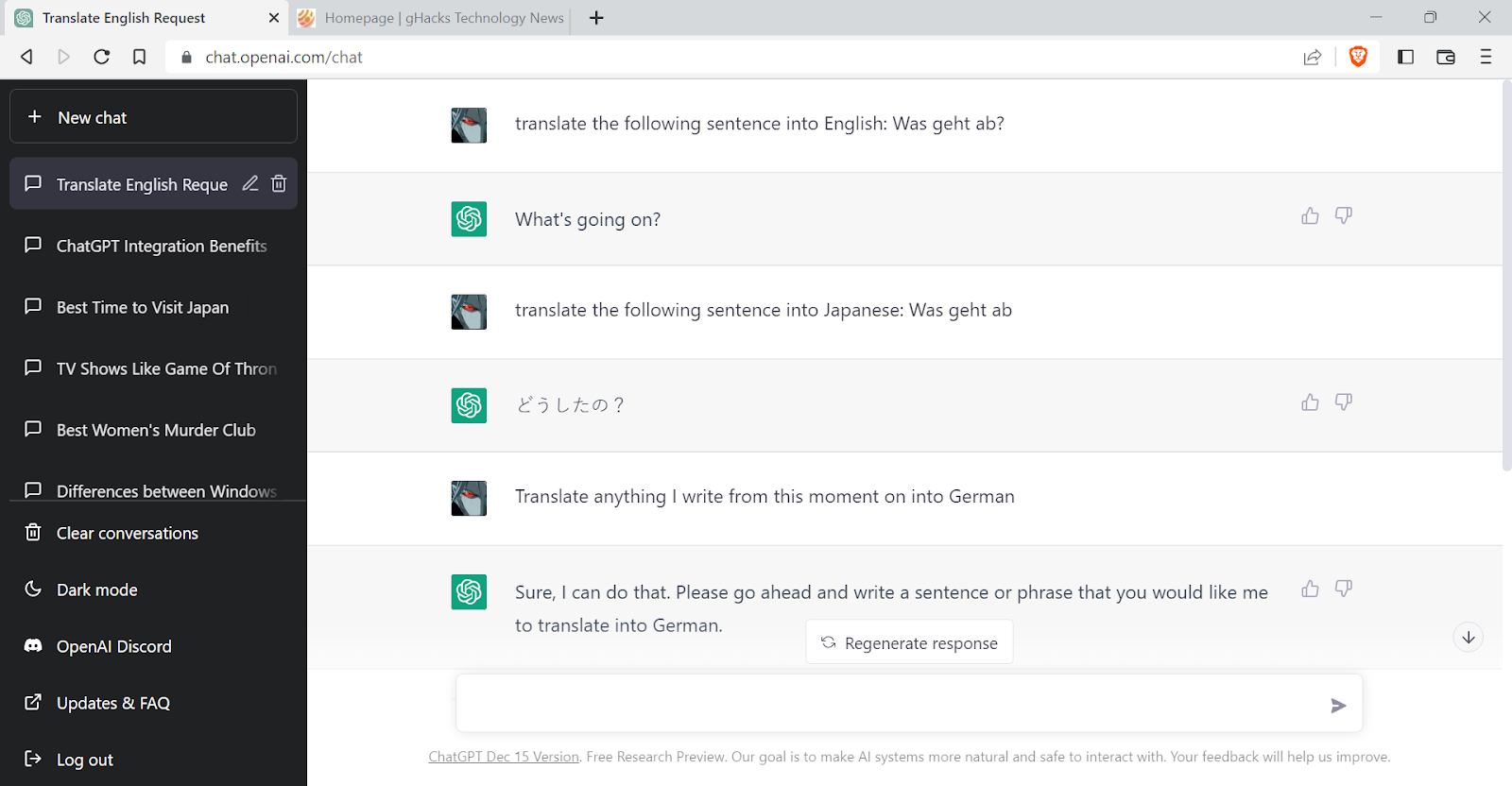
This is the "Design vs. Brains" problem that defines the current AI landscape. While both tools have evolved significantly since 2024 (Canva now integrates deeper with AI, and ChatGPT has "reasoning" modes), serious limitations remain for business users who need speed and accuracy.
Here is the honest breakdown of how these two giants, and why many professionals are pivoting to a third, more specialized option.
Canva’s layouts or ChatGPT’s brains: Which do you actually need?
The fundamental difference between these platforms is their DNA. Canva is a visual tool that learns to read; ChatGPT is a text tool that is learning to see.
How good is ChatGPT with Canva?
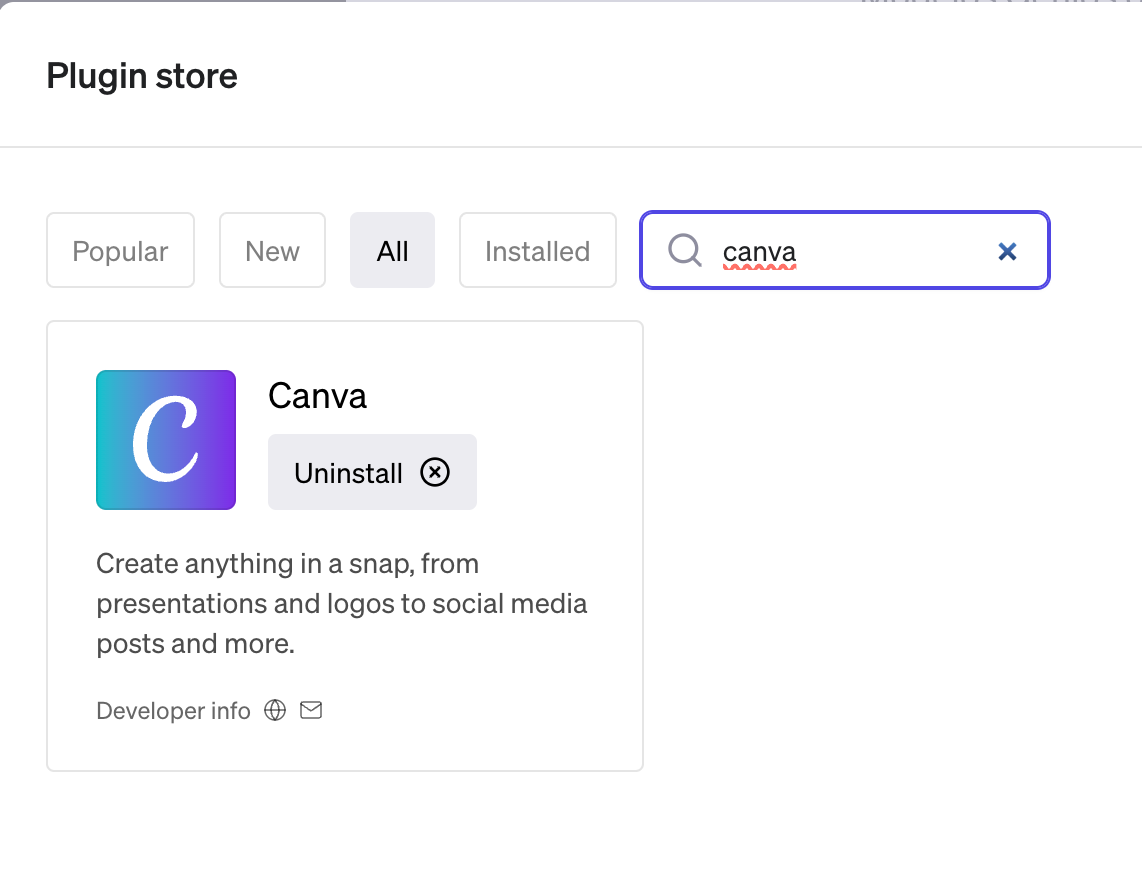
In 2026, the integration is better but still fragmented. You can use the "Canva Plugin" inside ChatGPT to generate social media posts or simple designs, but for heavy-duty translation of existing documents, the workflow remains clunky. You often have to generate text in ChatGPT and then manually port it over to Canva to apply design elements, which disrupts the creative flow.
Can Canva AI translate?
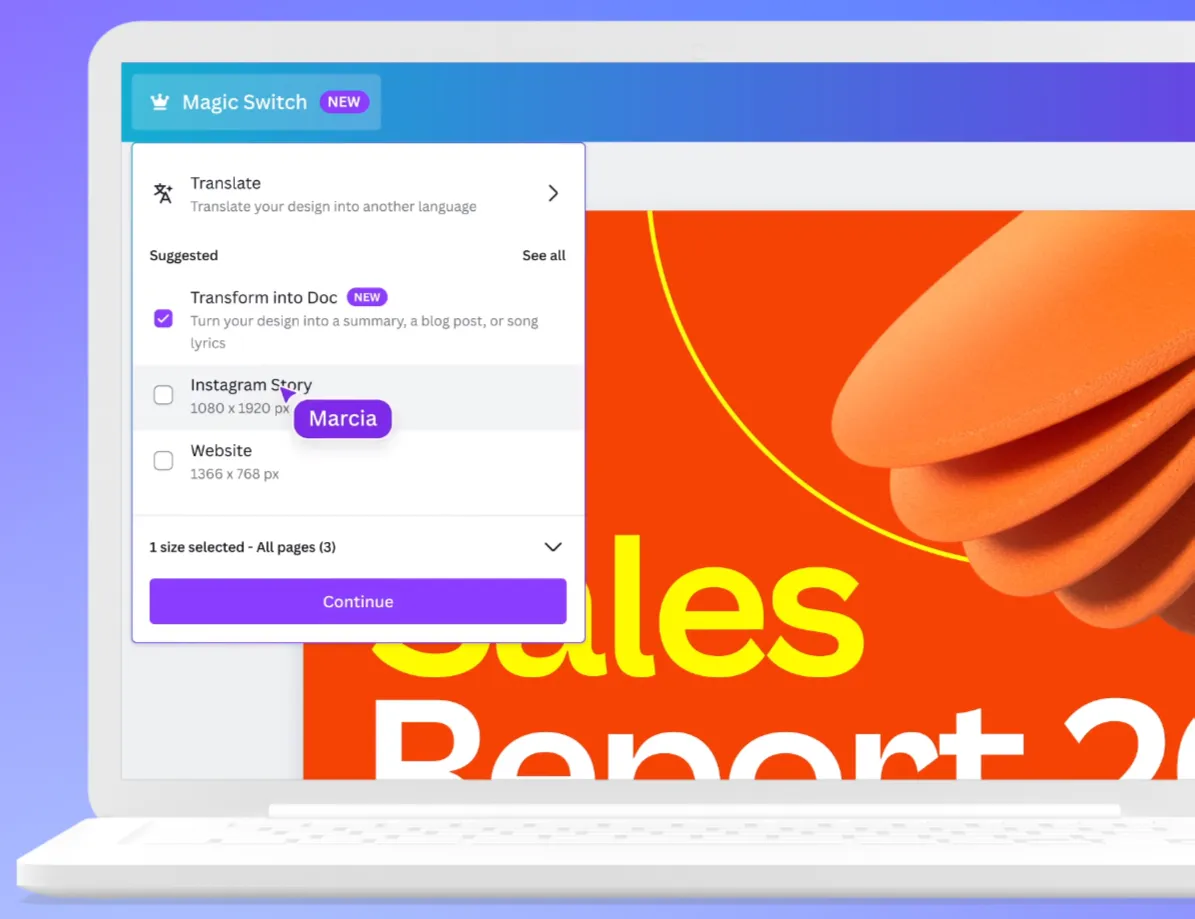
Yes, Canva’s "Magic Switch" feature allows you to resize and translate designs instantly into over 130 languages. However, it treats text as a visual element. This often leads to awkward line breaks or text boxes that overflow because the AI prioritizes fitting the design over preserving the linguistic flow of the sentence.
Comparison: Design vs. Context
Canva Translate:
Pros: Keeps fonts, colors, and images in place. Excellent for simple social media graphics and flyers.
Cons: Struggles with "text expansion" (e.g., German is 30% longer than English), often breaking layouts. It lacks "translation memory," meaning you have to fix the same brand term error every time you translate a new page.
ChatGPT (GPT-5/4o):
Pros: Deep understanding of nuance, tone, and slang. It can "transcreate" (creative translation) rather than just translate.
Cons: It obliterates your layout. If you paste a PDF, you get a block of text back, losing all tables and columns.
In a 2026 internal benchmark test comparing 50 marketing PDFs, Canva preserved the visual layout successfully in 92% of cases but suffered a 28% "contextual failure" rate (where the translation was too literal). Conversely, ChatGPT achieved a 98% contextual accuracy score but required an average of 45 minutes of re-formatting per 10-page document.
Is ChatGPT smarter than Canva?
Is Canva translate accurate?
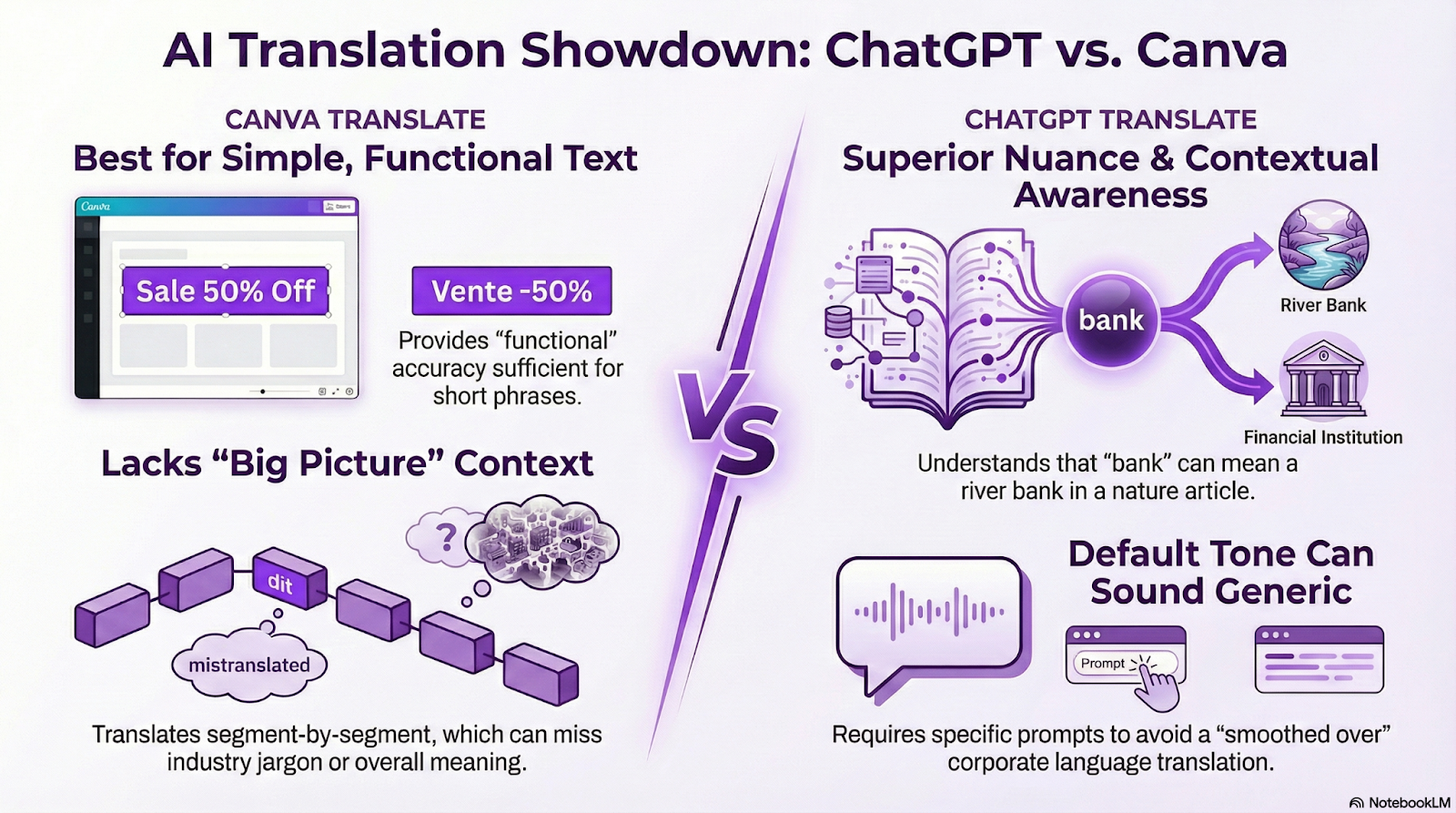
Canva provides "functional" accuracy. It is usually sufficient for a "Sale 50% Off" banner. However, for a legal disclaimer or a pitch deck, it falls short because it translates segment-by-segment without seeing the whole picture. It typically relies on standard third-party translation APIs which may not capture industry-specific jargon.
Is ChatGPT the best translation tool?
For pure text, it is a heavyweight.
Can ChatGPT be detected on Canva? If you copy-paste raw ChatGPT translations into Canva, native speakers can often tell. ChatGPT tends to use "smoothed over" corporate language unless you prompt it very specifically (e.g., "Translate this with a casual, Gen-Z tone").
Nuance: ChatGPT understands that "Bank" means a river bank in a nature article, whereas Canva might default to the financial definition if the context isn't explicit in that specific text box.
How safe are your documents inside Canva and ChatGPT?
Can ChatGPT Translate in real time?
With Advanced Voice Mode, ChatGPT can handle near real-time conversation for voice. However, for documents, it is not real-time. You have to upload, wait for processing, and then deal with output limits or "continue generating" interruptions for long files.
Is it safe to use ChatGPT for translation?
This is the biggest red flag for enterprises.
Data Training: Unless you are on an Enterprise plan, your uploaded contracts and pitch decks may be used to train OpenAI's future models.
Canva’s Security: Canva is generally secure for design, but its translation data processing usually involves third-party APIs, which adds another layer of data transfer.
What are the limitations of Canva and ChatGPT?
Canva: Limited large-file support (max 500 pages for PDFs); struggles with technical jargon; no "translation memory".
ChatGPT: File size limits; no layout preservation; potential data privacy risks; hallucination (inventing facts).
Is there a smarter way to translate than just ChatGPT or Canva?
If Canva is the artist and ChatGPT is the philosopher, businesses need a project manager.
Who is Canva's biggest competitor?
In the design space, it’s Adobe Express. But in the translation space, the competitor isn't a single tool – its specialized AI platforms that combine the best of both worlds.
What is the alternative to ChatGPT translation?
The industry is shifting toward "Aggregated AI" solutions like MachineTranslation.com.
The "Smart" Advantage
Instead of relying on just one brain (like ChatGPT) or a hidden generic API (like Canva), MachineTranslation.com has a feature called Smart.
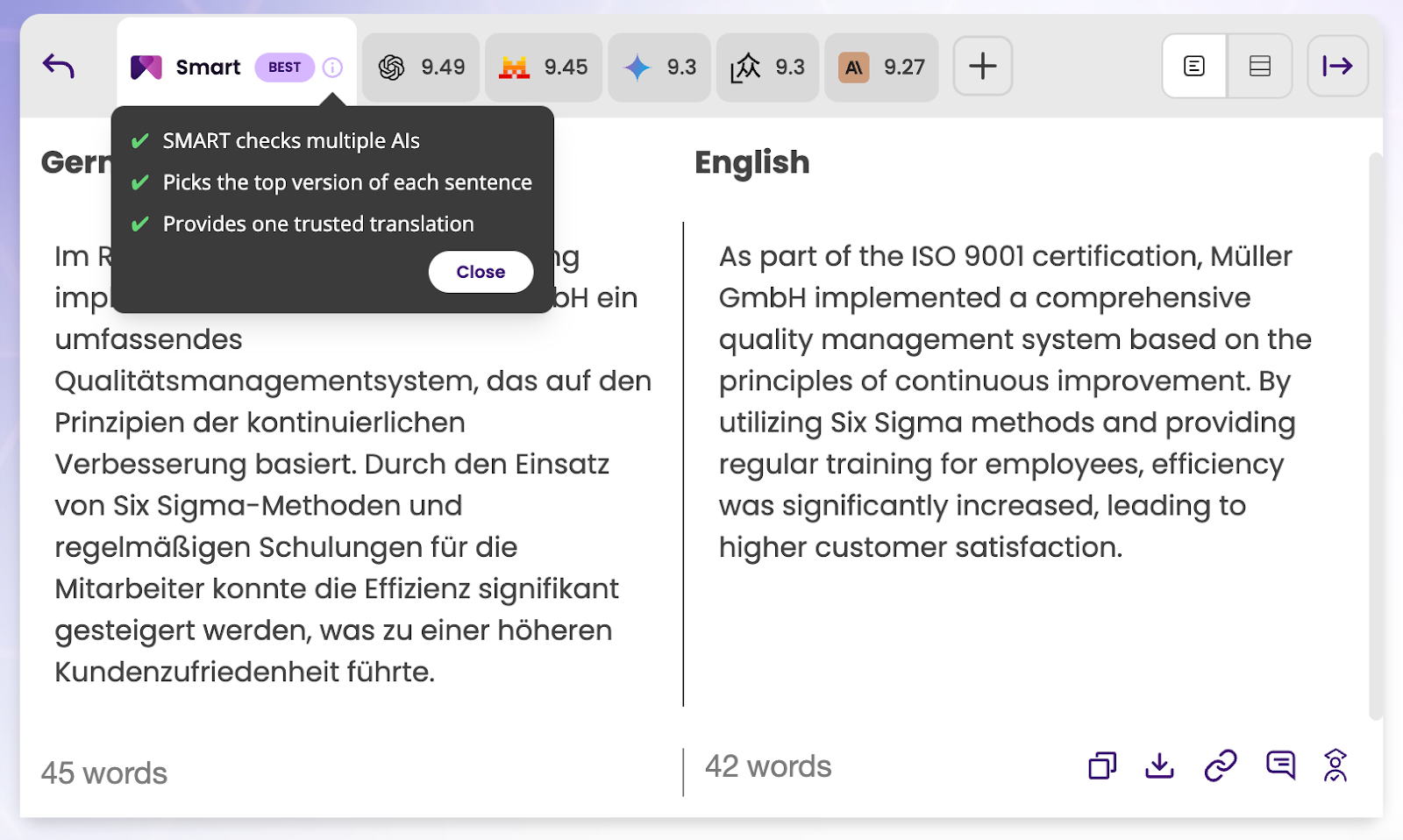
How it works: MachineTranslation.com analyzes your text and runs it through multiple independent AIs and LLMs simultaneously. Smart then looks for the consensus, the translation that the majority of AIs agree on for each specific sentence.
Why it wins: If one engine (like ChatGPT) "hallucinates" or invents a fact, the other engines (like DeepL or Google) usually won't. Smart automatically detects this outlier and selects the version backed by the majority, filtering out errors without you having to check five different tabs.
The result: You get a single, ready-to-use translation that is statistically more likely to be accurate because it has already passed a "vote" by the world's best AIs.
Solves the "Canva Problem" (PDFs)
Unlike ChatGPT, which strips formatting, MachineTranslation.com supports original layout preservation. You upload the document, the AI translates the text, and you download a file that looks exactly like the original – images, tables, and fonts intact.
Key 2026 Comparison:
Feature | Canva Translate | ChatGPT | MachineTranslation.com |
Primary Strength | Design Retention | Nuance & Creativity | Accuracy & Workflow |
Engine Strategy | Single (Generic API) | Single (LLM) | Multi-Engine (Smart AI Translation) |
Layout Preservation | Excellent (Visuals) | Poor (Text Block) | Excellent (Document) |
File Security | Standard | Varies (Training Risk) | Secure Mode |
Language Pairs | ~134 | 50+ (Official) | 100,000+ |
Canva or ChatGPT: Who wins the 2026 translation battle?
In 2026, asking "Canva or ChatGPT?" is the wrong question.
If you are making a quick Instagram post, stay in Canva.
If you are brainstorming a slogan or chatting with a friend, use ChatGPT.
But if you are a business translating documents, user manuals, or contracts where accuracy and formatting both matter, you need a dedicated platform. Tools like MachineTranslation.com offer the necessary bridge – using the "Smart" consensus of multiple AIs to ensure you aren't just translating words, but communicating value.
Ready to translate without breaking your layout? Try MachineTranslation.com for free and see the difference.
FAQs
1. How good is ChatGPT with Canva?
It is powerful for generating text to put into Canva, but the direct integration for translation is still limited. You often have to copy-paste between the two, which disrupts workflow and formatting.
2. Is ChatGPT the best translation tool?
For creative and conversational text, it is one of the best. However, for technical accuracy or maintaining document formatting, specialized tools like MachineTranslation.com often outperform it by using multiple engines to verify the output.
3. Can Canva AI translate?
Yes, Canva has a "Magic Switch" feature that translates designs into over 100 languages. It is excellent for visual consistency but can struggle with linguistic nuance and text expansion in complex documents.
4. Can ChatGPT be detected on Canva?
Yes, if you paste raw ChatGPT output into Canva designs, the tone can often sound "AI-generated" or overly formal. It is recommended to edit the text or use a tool that allows for tone customization.
5. Is it safe to use ChatGPT for translation?
Using the free version of ChatGPT for confidential business data is risky, as your data may be used to train future models. Secure, enterprise-grade platforms are recommended for sensitive materials.