October 15, 2026
Translate XLIFF and MQXLIFF files with 22 AI models at once
A CAT project file can break in two places when it passes through an outside tool. It breaks on the way in, when the file is flattened to plain text and the segment IDs, tags, and translation memory information stay behind. It breaks on the way out, when someone rebuilds the project by hand from a block of pasted results. Recently, MachineTranslation.com now has XLIFF and MQXLIFF support which addresses many translators' pains on extra work not being worth it.
I lead engineering at Tomedes, the translation company that develops MachineTranslation.com and has worked with professional linguists since 2007. My job is making 22 AI models run in one platform, and XLIFF support is one of the features professional users ask for most often. So the platform now takes XLIFF and MQXLIFF files directly. A file goes in, the models translate it in parallel, the platform keeps the version most of them agree on, and the file comes back in the same format.
Key takeaways
- MachineTranslation.com accepts XLIFF and MQXLIFF files directly and returns the result in the same format, so the translator exports once, uploads once, and imports once.
- The platform runs up to 22 models in parallel, so response time is set by the slowest single model and adding a model does not add its time to the total.
- In a published layout test, eight models reached consensus on a one-page PDF with two columns, a table, a callout box, and a footnote in 10.2 seconds, and all of those elements held.
- According to MachineTranslation.com platform data from April to June 2026, 60.5% of paying sessions involve a file upload, compared with 9.4% of returning free-user sessions.
- Speed and agreement describe how the system runs, so a translator still reviews the imported file against the glossary and the CAT tool's own QA checks.
What is an XLIFF file, and how is MQXLIFF different?
XLIFF is the XML-based exchange format that most CAT tools use to hand bilingual content between systems. MQXLIFF is memoQ's own version of it, with memoQ-specific information added to the same basic structure. Both hold the source text, the target text, and metadata for each segment in one file.
The format is an open standard. The OASIS XLIFF 2.0 specification replaced version 1.2, and nearly every major CAT tool, including Trados, Phrase, Wordfast, and OmegaT, exchanges bilingual content in XLIFF. MQXLIFF is widely used by freelance translators and language teams in Europe and around the world.
Both formats keep segments, metadata, and translation memory together in one file. Files usually carry an .xliff or .xlf extension, and memoQ's version uses .mqxliff. A CAT project moves between tools as an XLIFF file because the file holds the state of the work along with the words.
Pasting a CAT project into an AI tool breaks the file
Pasting a CAT project into an AI tool breaks the file because its structure does not survive being flattened to plain text. Segment IDs, tags, and translation memory information live in the file format, and a pasted block of text carries none of them. The translator then has to rebuild the link between each result and its segment by hand.
For an engineer, that is a parsing problem on the way in and a writing problem on the way out. In plain terms, a platform has to read the file's own structure and write that same structure back. A platform that treats the file as one block of text throws the structure away, and nothing downstream can put it back.
File handling decides whether an outside tool fits a translator's day, because translators already work in files. Paying users upload files far more often than free users do. According to MachineTranslation.com platform data from April to June 2026, 60.5% of paying sessions involve a file upload, compared with 9.4% of returning free-user sessions and 11.0% of one-time free-user sessions. The research behind those figures is covered in building more reliable AI translation.
Can you translate an XLIFF or MQXLIFF file online with MachineTranslation.com?
Yes, MachineTranslation.com translates both XLIFF and MQXLIFF files online and returns the result in the same format it received. A translator exports the file from the CAT tool, uploads it, downloads the translated file, and imports it back into the same project.
- Export the project from the CAT tool as XLIFF, or as MQXLIFF if the project is in memoQ.
- Upload the exported file to MachineTranslation.com.
- The platform runs the content through its AI models in parallel and keeps the version most of them agree on.
- Download the translated file in the same format it was uploaded in.
- Import the downloaded file into the project in the CAT tool.
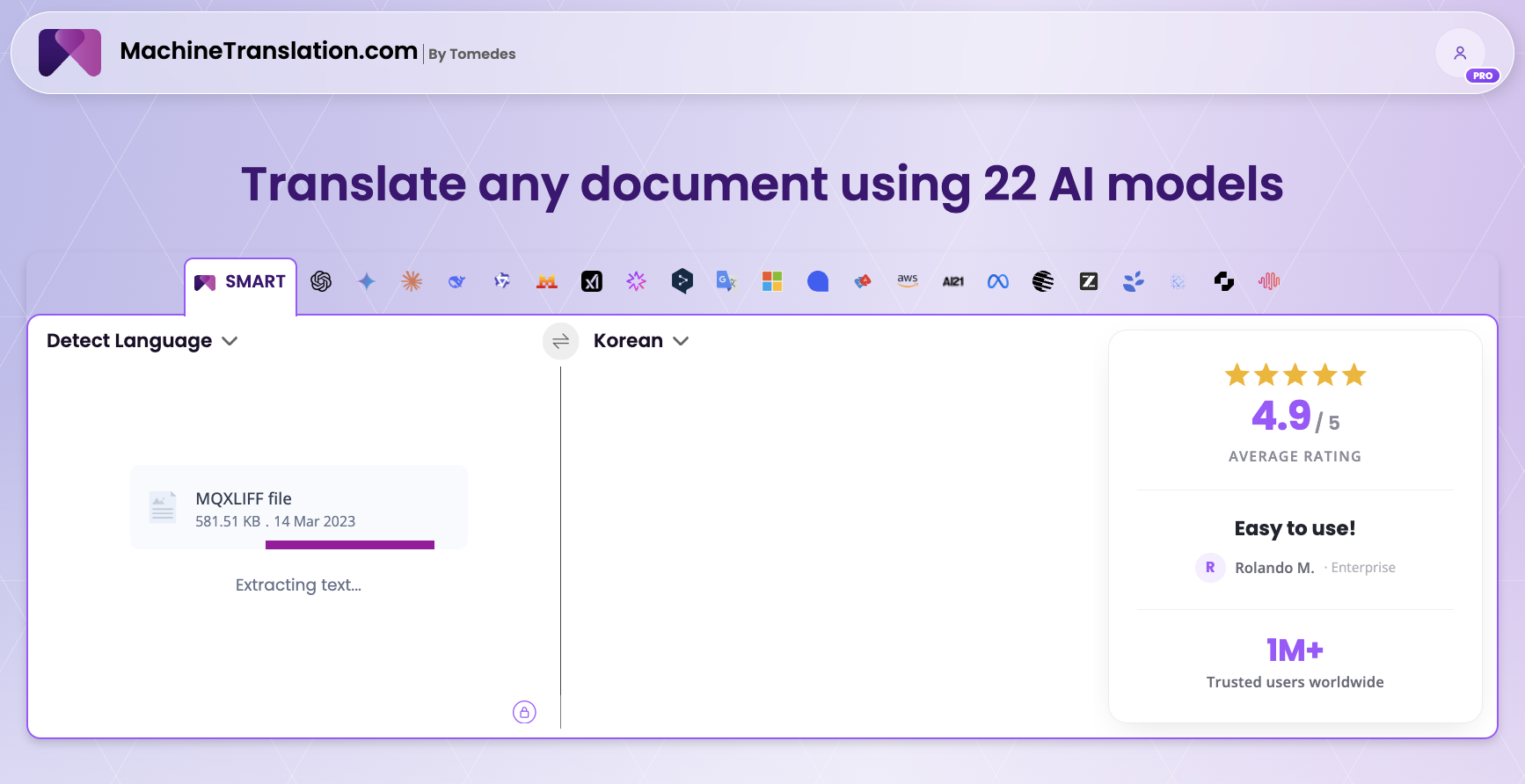
According to Ofer Tirosh, CEO of Tomedes, translators want "a reliable way to check AI-assisted output without reorganizing how they work." The engineering goal follows from that request. The file enters as XLIFF or MQXLIFF and leaves in the same format, with its structure intact from start to finish.
If the upload feels uneventful, that is the intended result.
22 models run in parallel, so one file does not mean 22 waits
The platform runs all 22 models in parallel on the same content. Response time is set by the slowest single model, and adding a model does not add its time to the total. Each extra model adds compute cost to the platform.
SMART, the consensus mechanism behind the platform, needs every model's answer before it can pick the version most of them agree on, which is why the slowest model sets the pace. MachineTranslation.com described the same design in its post on getting verified translations in Claude or ChatGPT, where the connector calls the same APIs as the rest of the platform and adds no session-tracking overhead.
We settled on 22 models because that is the threshold where compute cost stays reasonable and consensus stays reliable. With fewer models, the consensus signal weakens. With more, latency starts to creep in. We tested that threshold.
Time to consensus in four published MachineTranslation.com tests. None of these used an XLIFF file.
| Test | Models | Time to consensus | Source |
|---|---|---|---|
| Four-word phrase into Tagalog | 5 | 751 milliseconds | Project Phoenix launch post |
| Six-clause service agreement, English to Tagalog | 8 | 6.0 seconds | Legal document translation post |
| One-page layout-stress PDF, English to German | 8 | 10.2 seconds | PDF formatting post |
| 49-word text, English to Acholi | 7 | 10.7 seconds | Your Translation, Wrapped launch post |
Time depends on the language pair, the content, and the slowest model in the run. The shortest test finished in 751 milliseconds and the slowest of the four took 10.7 seconds. Published timing for an XLIFF file is the one number these tests do not yet include.
The file comes back in the same format it went in
The file comes back in the same format it entered, with its structure intact from upload to download. That is what lets the translator import it into the CAT project without rebuilding anything. The platform reads the file's own structure on the way in and writes the same structure on the way out.
MachineTranslation.com has tested structure handling on other formats. In an English-to-German test of a one-page PDF built to stress layout, with two columns, a pricing table, a callout box, a footnote, and a footer, eight models reached consensus in 10.2 seconds. The columns, table, callout box, and footnote all held. The write-up is in the post on how to translate a PDF without losing formatting.
The same principle applies to Word files. When the platform rebuilds translated sections into the file's structure as they complete, a 519-word DOCX with headings, bold text, and an embedded logo came back in one minute, according to the faster file downloads update. For large Word and PDF files, the platform preflights each file, applies safe defaults, and exports a clean copy, as Slator reported when the file limit rose to 70 MB.
Those tests used PDF and DOCX files. XLIFF segment IDs, tags, and segment states are separate matters, and a segment-level test on XLIFF files is still to be published.
Review still happens in your CAT tool
Review still happens in the translator's CAT tool, because speed and agreement describe how the system runs and say nothing on their own about whether a given segment is right. Engineering can show that 22 models ran and how long they took. A translator's judgment decides whether the result fits the client, the glossary, and the audience.
Whether an individual translation is correct is a question for the quality side of the platform. MachineTranslation.com's research on how often AI models agree covers it, including the agreement levels that suggest a human reviewer. My side of the platform is whether it runs, how fast it runs, and whether the file arrives back in one piece.
What to check after you import the translated file
After import, run the same checks as for any machine-assisted draft. Compare key terminology with the project glossary, check tags and numbers in formatted segments, and run the CAT tool's own QA checks. The translation memory and project settings stay in the CAT tool, so the usual review workflow still applies.
- Compare product names and key terms with the project glossary or term base.
- Check tags, numbers, and placeholders in segments that carry inline formatting.
- Run the CAT tool's own QA checks before confirming segments.
- Read the segments where a term looks unusual for the client or the audience.
- Send contracts and product instructions to a second linguist.
The file goes back into the project in the format it came from, and the review stays in the tool the translator already uses. A translator can try an XLIFF or MQXLIFF file on MachineTranslation.com with the next project.
Frequently asked questions
1. What is the XLIFF format?
XLIFF is the XML Localization Interchange File Format, an open standard that CAT tools use to exchange bilingual content. A file holds the source text, the target text, and metadata for each segment, and the OASIS XLIFF 2.0 specification replaced version 1.2. MQXLIFF is memoQ's own version of the format.
2. How can I open an XLIFF file?
Open it in a CAT tool such as memoQ, Trados, Phrase, Wordfast, or OmegaT, or in a dedicated XLIFF editor. These read the format and show each segment. Because XLIFF is an XML format, a plain text editor also opens it, though editing the tags by hand risks breaking the file. MQXLIFF files open in memoQ.
3. How do I translate an entire XLIFF file?
Export the project from your CAT tool as XLIFF, or as MQXLIFF for memoQ, and upload the file to MachineTranslation.com. The platform translates the content with 22 AI models in parallel, and you download the result in the same format and import it back into the project.
4. Can ChatGPT translate an XLIFF file?
Yes, ChatGPT can translate the text of an XLIFF file, but only the text. A pasted block carries none of the segment IDs, tags, or translation memory information, so the result cannot be imported back into a CAT project without rebuilding it. MachineTranslation.com runs ChatGPT alongside other models and returns the file in the original format.

By Shashank Jain
Connect on LinkedInShashank leads engineering at Tomedes, where he's responsible for making 22+ AI models run as one platform without anyone noticing the complexity underneath. He writes about how AI translation actually gets built and kept running plus the architecture decisions, the performance trade-offs, and the parts that only look simple from the outside.
Share:


